
How to Read Copier Model Numbers to Find Correct Spare Parts?
A copier has become an essential part of every home and workplace for obvious reasons. For busy working stations, copiers are always working and that frequent use leads to malfunctioning of certain parts. You need to replace them for efficient working of the copier, because a malfunctioning copier can delay things for days. For the good quality spare parts, Copiers Hub is available round the clock, but you should know how to read the copier model number, which will help our staff to help you in a better way.
What is the copier model number?
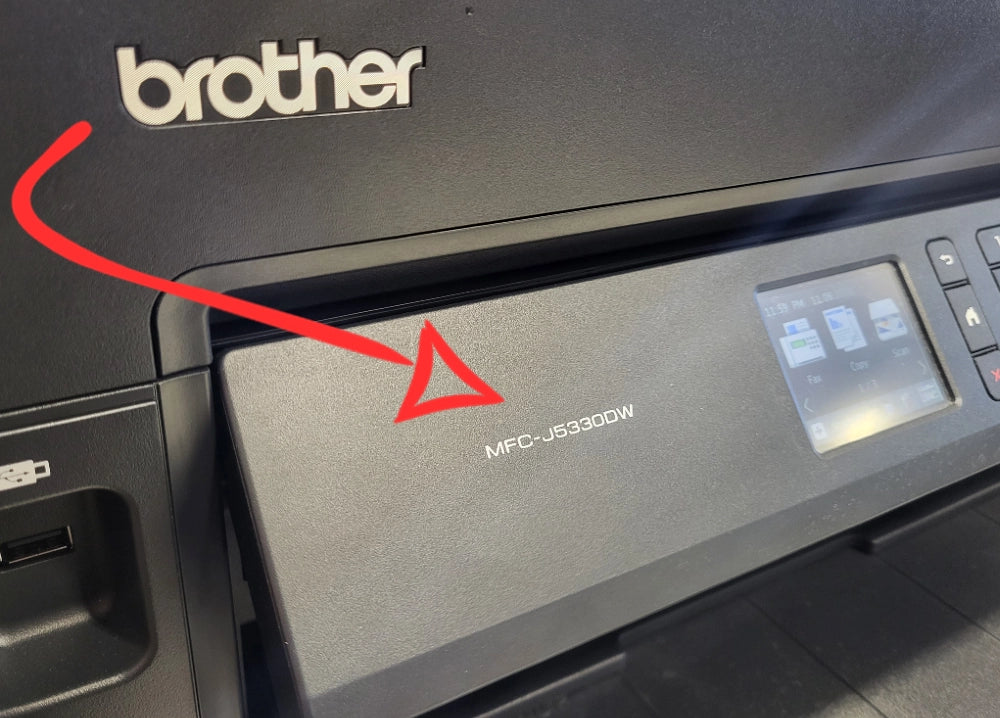
A model number is not just a number; it’s an alphanumeric code that represents the series, features, colors, and speed of a copier. If you know how to read it properly, you will be able to get the correct spare parts without wasting your time. The copier model number is usually written on a sticker, which you can find anywhere on the copier.
Decode your copier model number
If you know what each number or letter represents in this number, it will be easier for you to read it correctly.
- Name: The first thing you will notice will be the name, which could be Konica Minolta Bizhub 223, MP, LaserJet, or any other series.
- Speed: Next, there will be a two-digit number, which usually represents the PPM, or pages per minute. It can range from 20 to 70.
- Color: After that, you will see an alphabet, which could be “C” or “M”. “C” stands for colour, and “M” stands for monochrome.
- Functions: In the end, there will be a list of random alphabet numbers, which reflect different features. For instance, F stands for Fax and P stands for ‘printer’ only. Similarly, N stands for network capability, and W stands for wireless. If you see S, it represents ‘stacker’, and D means ‘duplex’. So, these are not just random letters but different functions of your copier.
Find the correct spare parts
Now you know what the copier model number represents. However, to find the correct spare parts, you need to have some more information too.
- Find the exact serial number: You can easily locate a metal plate on the side or rear of your copier. It has a complete serial number and model number. It will provide you with information on when this machine was manufactured.
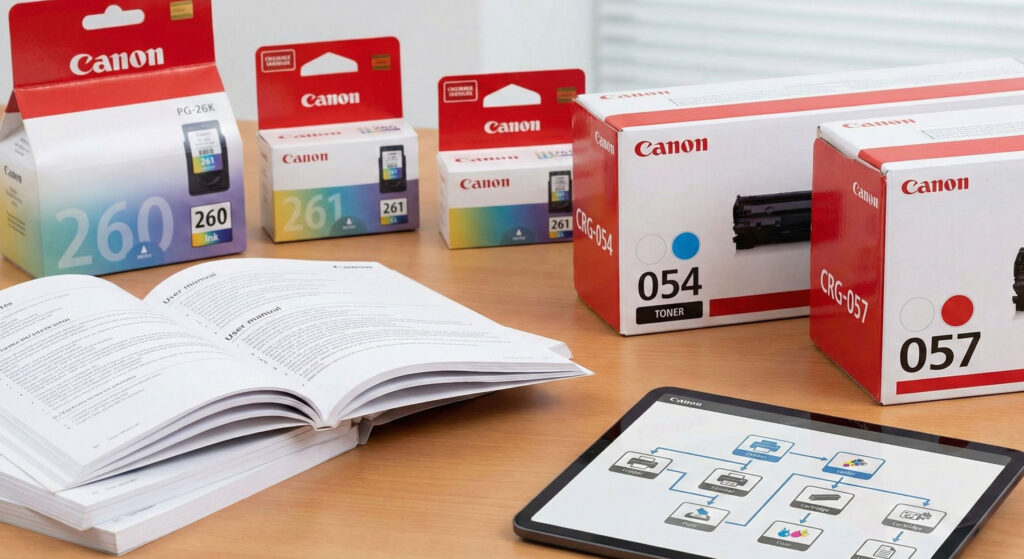
- Manufacturer’s manual: After reading the model number, you can download the manual for that particular model from the manufacturer’s website; it will give you precise information about the parts.
- Parts and components of parts: Sometimes you need a part, but sometimes you just need a small component of a part. So, you need to be careful about what you actually need. Moreover, if you are looking for a voltage-specific part, you should know the voltage of your machine as well. International standards are 220 V, but you need to check before placing the order.
We hope these tips will be helpful for you to read the copier model number. If you still have any confusion, you can contact us at Copiers Hub Australia. Our staff is available 24/7 to help you. They will not only help you to identify the model, but we also guarantee to provide high-quality spare parts at an affordable price. You can save even more money with our free shipping services!